
Regedit Fire Sensi Max Injector Free Fire Latest v Download Apk

Description
Free Fire players constantly seek tools to refine their skills. One name gaining traction is the Regedit Fire Sensi Max Injector. This utility focuses on sensitivity tuning and performance boosts. It helps players customize their controls for smoother matches. This guide covers its features, benefits, and how to apply it.
What is Regedit Fire Sensi Max Injector?
Regedit Fire Sensi Max Injector is a third-party tool built for Android devices. It works alongside Free Fire to adjust in-game sensitivity settings. The app also offers cosmetic unlocks and performance tweaks. It runs through a simple panel that opens before the game. No technical background is needed to use it. The tool is lightweight and designed for smooth operation. The DinocomploFF Injector offers more incredible and latest features, so also give a try to it.
Key Features
The injector packs several tools aimed at improving gameplay.
- Sensitivity Presets: Ready-made settings for different play styles.
- Custom Tuning: Manual sliders for fine control.
- Aim Refinement: Tools to improve targeting stability.
- Skin Unlocks: Access to rare outfits and weapon wraps.
- Performance Boost: Options to reduce lag and improve frame rates.
- One-Tap Apply: Quick activation of chosen settings.
Each option sits inside a clean menu. Players toggle features on or off with ease.
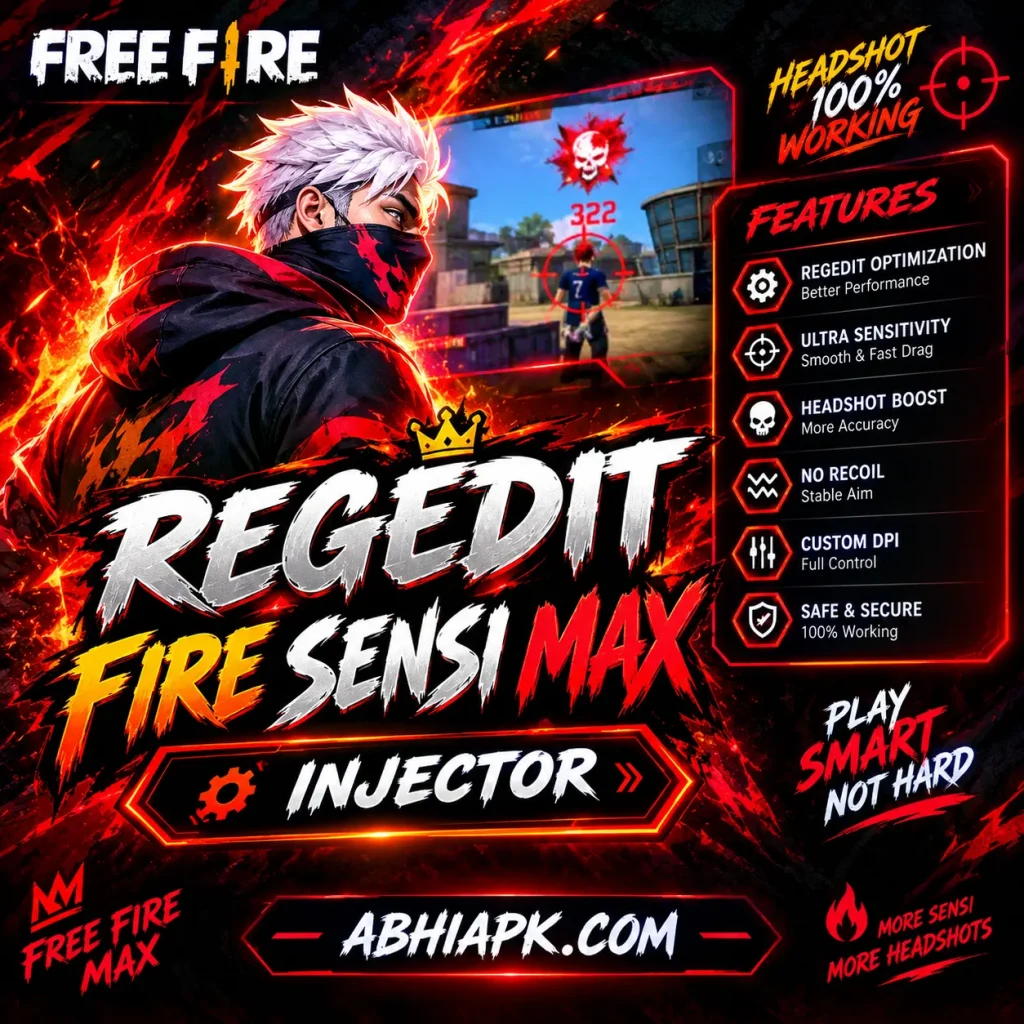
Latest Features of Regedit Fire Sensi Max Injector
The development team keeps the injector current with fresh additions.
- Pro Sensitivity Mode: Advanced presets for competitive players.
- Auto Calibration: Detects your device and suggests settings.
- Drag Speed Control: Adjusts swipe response for faster turns.
- Recoil Dampening: Helps keep shots steady during sprays.
- Lobby Themes: Changes your profile look with unique styles.
- Quick Reset: Restores default settings with one tap.
These updates arrive shortly after major game patches. Users enjoy new tools without long waits.
How to Inject Regedit Fire Sensi Max ?
Applying the Regedit Fire Sensi Max takes only a few minutes. Follow these steps.
- Allow Unknown Sources: Go to Settings > Security > Enable installs from unknown sources.
- Download the File: Get the latest APK from a trusted page.
- Install the App: Tap the file and follow the prompts.
- Open the Panel: Launch the app and grant the needed permissions.
- Pick Free Fire: Select the game from the menu.
- Choose Settings: Toggle the sensitivity or cosmetic options you want.
- Restart the Game: Close and reopen Free Fire to apply changes.
Always restart after each session for the best results.
Ways to Inject
Players use different methods to run the injector. Here are the common ones.
- Direct Install: The standard method. Install the APK and run it normally.
- Virtual Space Tools: Some users run the injector inside a sandbox app for extra separation.
- Secondary Device: Using a spare phone keeps the main account untouched.
- Emulator Setup: PC users can test the panel through Android emulators.
- Cloud Phone Services: Some gamers use remote Android instances for testing.
The direct install remains the simplest and most popular choice.
Pros and Cons
Every tool has strong points and weak points. Here is a clear breakdown.
Pros
- Free to download and use
- Clean and simple interface
- Wide range of sensitivity presets
- Works on most Android versions
- Frequent updates after game patches
- Lightweight with low storage needs
- Active community for support
Cons
- Not found on official app stores
- Manual install required
- May stop working after major game updates
- Use carries potential account risk
- No official customer service
- Features can vary between versions
Tips for Best Results
Smart habits improve your experience with any injector.
- Update Often: Always use the newest build for compatibility.
- Test Presets: Try each sensitivity mode to find your perfect fit.
- Use Few Features: Activate only a few options per match to stay low profile.
- Backup Your Profile: Link your account to social media for safety.
- Test on a Spare: Try new versions on a secondary account first.
- Read Community Posts: Forums and groups share fixes and advice.
- Clear Cache: Wipe app data if the panel freezes or fails to load.
These steps help keep your gameplay smooth and stable.
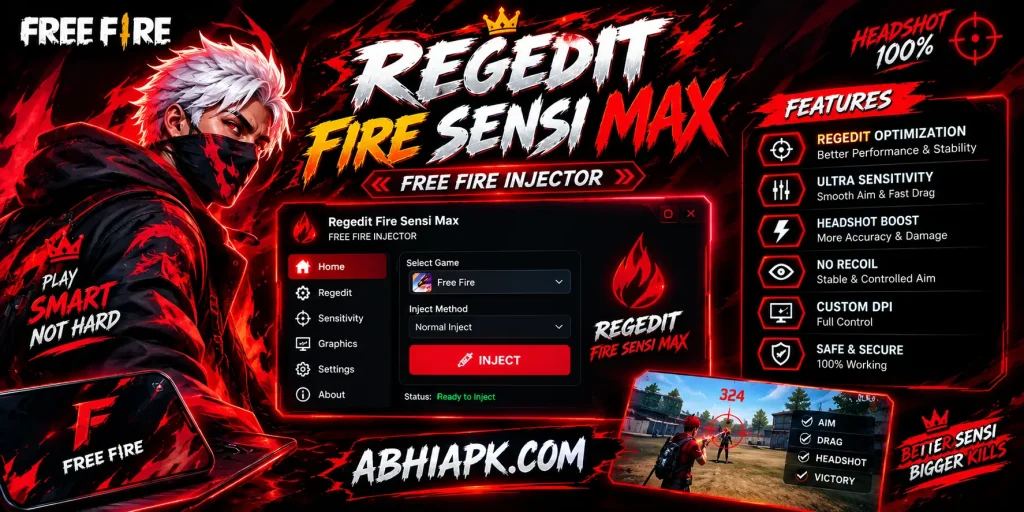
Device Compatibility
The injector runs on a wide range of Android devices.
- Android Version: Works best on Android 8.0 and above.
- RAM: Needs at least 3GB for smooth operation.
- Storage: Takes up about 35MB of free space.
- Processor: Compatible with most mid-range chips.
- Screen Size: Adapts well to both small and large displays.
Older phones may face lag during injection. Closing background apps helps.
User Experience:
Most users report a positive experience with the panel. The menu loads fast. Settings apply without long waits. The sensitivity tools help players who struggle with default controls. Beginners find it easy to learn. Veterans enjoy the regular updates. Some users note that heavy feature use can slow the phone. Light use keeps things running well. Overall, feedback leans toward satisfaction.
Safety and Responsibility
No third-party tool is completely risk-free. Regedit Fire Sensi Max Injector aims to be stable, but players should still act with care. Read the game rules. Use the panel in moderation. Enjoy the extra features without depending on them fully. Responsible use protects both your account and your fun.
Common Issues and Fixes
Sometimes the injector may not work as expected. Here are quick fixes.
- Panel Not Opening: Clear app cache and restart your phone.
- Settings Not Applying: Make sure Free Fire is fully closed before injection.
- Game Crashes: Reduce the number of active features.
- Outdated Version: Download the newest build from a trusted source.
- Permission Errors: Check that all required permissions are granted.
Most problems are solved with a simple restart or update.
Frequently Asked Questions
Q1: Is Regedit Fire Sensi Max Injector free?
Yes, it is free to download and use.
Q2: Does it need root access?
No, it runs on standard Android devices.
Q3: How often is it updated?
The team releases updates regularly to match new game patches.
Q4: Can I use it on iOS?
No, it is built for Android only.
Q5: What if it stops working?
Check for a new version or visit community forums for help.
Q6: Will it slow down my phone?
It is lightweight, but heavy use may affect older devices.
Q7: Is there a paid version?
No, the tool is offered free of charge.
Conclusion:
Regedit Fire Sensi Max Injector gives Free Fire players a focused way to refine their controls. Its sensitivity presets, aim tools, and cosmetic unlocks appeal to many users. The simple injection process makes it easy to try. With regular updates and a clean design, it stays relevant. While it has some limits, its benefits keep it popular among Android gamers. Download from a trusted source, stay updated, and enjoy a more personalized battle royale journey.