
Vinzz Tools Injector ML APK Download Latest v Free For Android

Description
Mobile Legends Bang Bang players exploring external utilities often come across Vinzz Tools Injector in community discussions. One important note upfront: available public information about this tool primarily describes it in connection with Mobile Legends rather than MLBB. Still, players do discuss pairing it with MLBB, so this guide covers its functionality, operation methods, and realistic boundaries based on verifiable details.
What Is Vinzz Tools Injector?
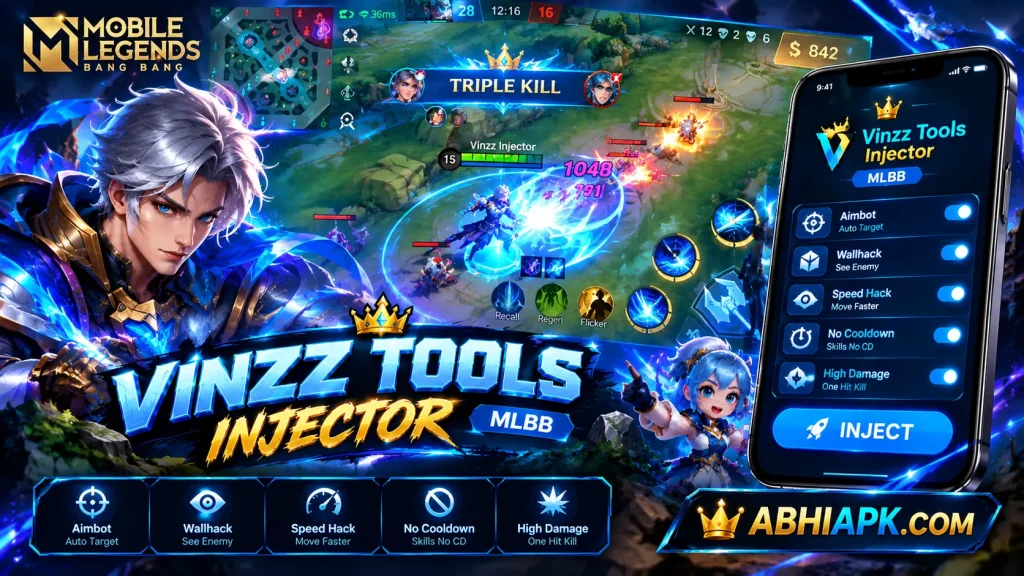
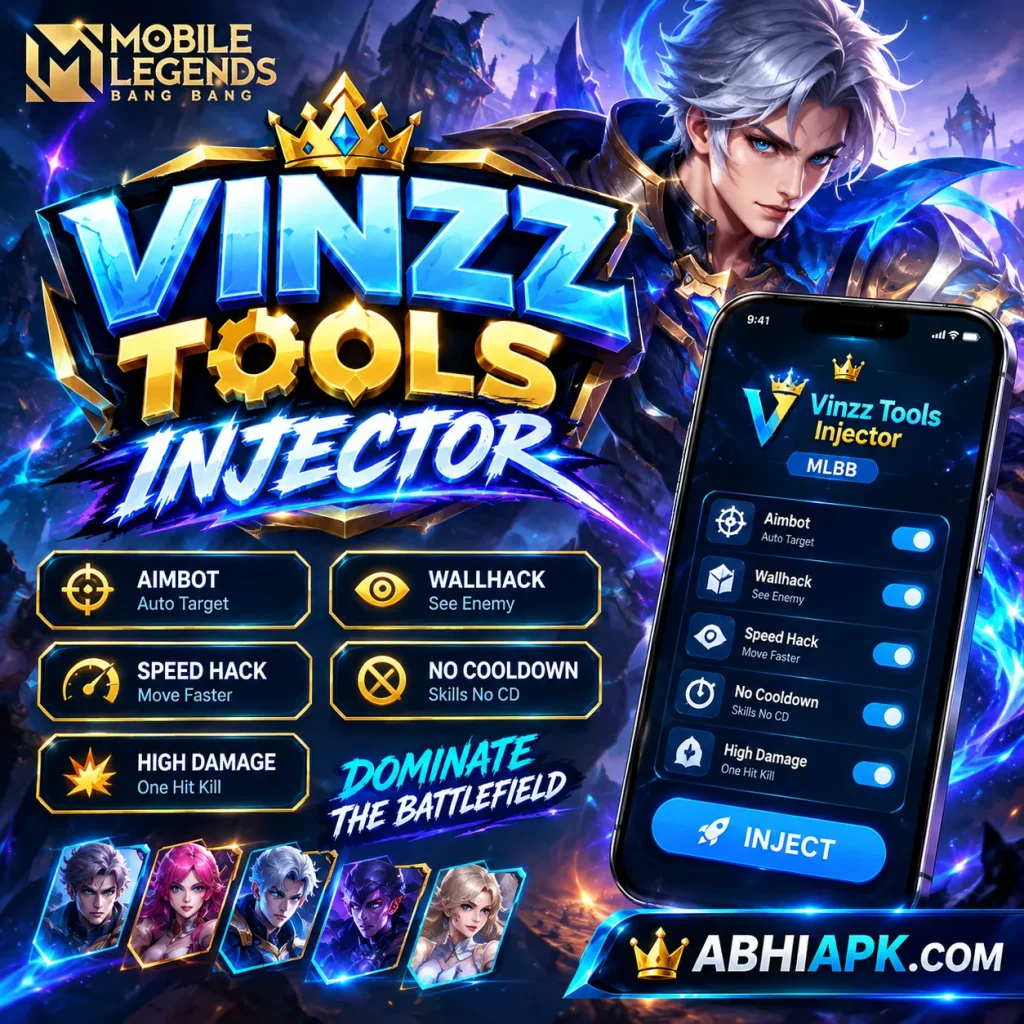
Vinzz Tools Injector is an Android utility application published under the package name com.vinzzmltools by developer Vinzz. According to app store descriptions, it offers skin injection, visual effects, map appearance adjustments, and hero sound features. The application requires full file access permission to download, extract, and organize user data. The latest version 1.45 was updated in March 2026, with an installation package of roughly 31.4 MB, requiring Android 5.0 or higher. For ML players, actual performance depends on version adaptation and the game environment, so experiences from other games cannot be directly applied. Must give a try to Free Fire Panel Injector to unlock all the locked stuff and enjoy premium items without facing any kind of trouble.
Main Feature Modules
One-Tap Injection Flow
Vinzz Tools Injector simplifies skin and emote injection into three steps: select, confirm, and launch, reducing manual file replacement work.
Visual Effects and Sounds
Provides toggle options for kill effects, recall animations, and similar visual content, organized by category for quick location.
Map Appearance Adjustments
Supports visual replacement for select maps, giving matches a different stylistic feel.
Custom Skin Management
Allows importing community-modified skin files, organized by hero or theme for easier rollback.
Graphics Preset Switching
Offers quick switching between low, medium, high, and ultra graphics configurations to suit different device performance levels.
Injection Operation Methods In Vinzz Tools Injector
Preparation Stage
Confirm Android 5.0 or higher and reserve sufficient storage space. If the download is an XAPK file, tools like Split APKs Installer are needed to complete installation.
Permission Granting
On first launch, grant full file access permission, otherwise the download and extraction process cannot run properly.
Selection and Injection
Enter the skin, effects, or map category from the main interface, select the target content, tap the inject button, and wait for the status prompt before leaving the app.
Launching the Game
After injection completes, open the game through the in-app launch button and check whether appearance changes take effect.
Effect Confirmation
Observe actual performance in a match or training ground. If display anomalies or lag appear, return to the app to switch options or clear injected content.
Advantages and Drawbacks of Vinzz Tools Injector
Pros
- Centralized operation path. Download Vinzz Tools Injector, extraction, and injection all happen within one app, reducing the hassle of switching between multiple tools.
- Clear categorization. Skins, effects, maps, and graphics presets are arranged by category, making target content relatively easy to find.
- Reasonable update frequency. Version iterations are fairly continuous, with a new release as recently as March 2026.
- Low installation threshold. Android 5.0 is sufficient to run it, covering a broad device range.
Cons
- Unclear MLBB adaptation. Available materials mainly describe MLBB, and MLBB performance lacks reliable reference points.
- Fluctuating stability. User feedback mentions injection failures and app freezing in some cases.
- Broad permission requirement. Full file access is required, so privacy-sensitive users must weigh this themselves.
- Noticeable version differences. File sizes and feature scope vary between versions, and older builds may lack newer fixes.
Additional Dimensions Worth Knowing
Source Verification
Confirm the file source before downloading and compare file size and version number against public records. Platforms like APKPure offer version history for cross-checking.
Device Adaptation
Mid-range and low-end devices may face memory pressure when running the injection tool before launching the game. Closing other background apps after injection is recommended.
Permission Review
File access permission is a prerequisite for this tool to work properly, but if the app also requests contacts or SMS permissions unrelated to its function, installation should stop.
Update Rhythm
Version updates are fairly frequent, but not every update targets MLBB. Checking the changelog for specific changes is more effective than blind upgrading.
Usage Mindset
Treat such tools as experimental attempts rather than stable solutions. Keeping official settings as the baseline for daily use reduces unnecessary hassle.
Community Feedback Reference
Before deciding to use it, browse recent user comments about specific game adaptation, which offers more reference value than app descriptions alone.
Frequently Asked Questions
Does Vinzz Tools officially support MLBB?
Available public information shows no connection between this tool and MLBB’s developer, and its main description centers on MLBB.
Does Vinzz Tools Injector require root permission?
Based on the app description and permission list, root is not required, but full file access permission is.
Why is there no effect after injection?
Possible reasons include version mismatch, interface changes from game updates, or an incomplete injection process. Try switching versions or checking the changelog.
Why do app sizes vary so much between versions?
Different versions contain different numbers of resource files, ranging from about 13 MB in early builds to roughly 31 MB in the latest.
Can Vinzz Tools Injector be used on an emulator?
Some emulators support installing this APK, but file system differences may affect the injection process, and actual results require personal testing.
Final Words
Vinzz Tools Injector shows a degree of convenience in how it organizes features, integrating multiple adjustment options into a single interface. For the MLBB scenario specifically, however, verifiable public information is limited, and users bear the trial-and-error cost of adaptation uncertainty themselves. Its value lies in providing a centralized operation entry point rather than guaranteeing a definite outcome. Checking sources, reviewing permissions, and monitoring device status matter more than chasing any single feature. A tool is just a tool, and a stable, controllable usage approach is the foundation of a long-term experience.