Timplodino Injector FF APK Download Latest For Free

Description
Free Fire players often look for tools that add fresh features to their gameplay. The Timplodino Injector has become a popular name among Android users. This guide explores its features, installation methods, and everything else you need to know.
What is Timplodino Injector?
Timplodino Injector is a third-party application designed for Free Fire players on Android. It provides a simple panel interface that lets users customize their gaming experience. The tool is lightweight and easy to navigate. It aims to give players more control over their in-game appearance and performance. Many community members discuss it across forums and social platforms. The XARG ESP Injector is another best tool for battle games with multiple new features.
Key Features
The injector comes with a range of tools for regular players.
- Visual Enhancements: On-screen markers that help track movement
- Aim Refinement: Tools to improve targeting stability
- Skin Unlocks: Access to outfits and weapon finishes
- Currency Options: Extra in-game resources for purchases
- Performance Tweaks: Settings that smooth frame delivery
- One-Tap Apply: Quick activation of chosen options
Each function sits inside a clean menu. Toggling features takes only seconds.
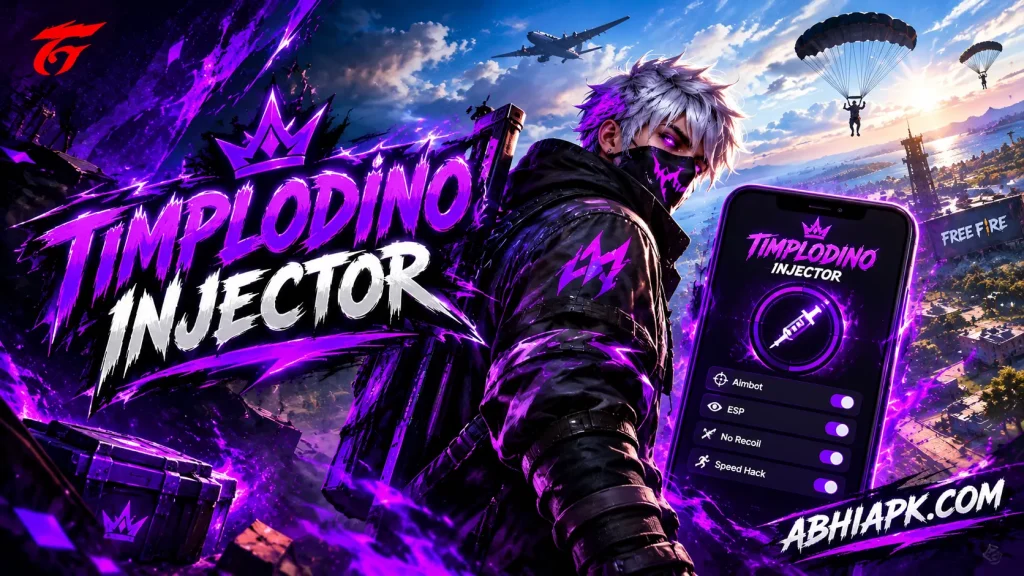
Latest Additions
The development team keeps the tool fresh with regular updates.
- Pro Mode Presets: Tuned settings for competitive matches
- Device Scan: Reads phone specs and suggests optimal values
- Drag Control: Adjusts swipe response for faster turns
- Profile Themes: Swaps lobby appearance with new designs
- Quick Reset: Returns everything to default in one click
These updates arrive to match new game patches.
How to Inject Timplodino Injector?
Setting up the injector takes just a few minutes. Follow these steps.
- Enable Unknown Sources: Settings > Security > Allow installs from unknown sources
- Download the APK: Get the newest build from a trusted page
- Install the File: Tap it and follow the prompts
- Launch the Panel: Open the app and grant required permissions
- Select Free Fire: Pick the game from the list
- Toggle Options: Choose your preferred features
- Reopen the Game: Close and restart Free Fire to apply changes
A quick restart after each session gives the best outcome.
Ways to Inject
Gamers use several methods to run the injector.
- Direct Install: The standard route. Install the APK and run it as normal
- Virtual Space Apps: Run the panel inside a sandbox for extra separation
- Spare Device: Using a second phone keeps the main profile separate
- Emulator Route: PC users can test the panel through Android emulators
Direct install stays the easiest and most common pick.
Advantages
The tool offers several benefits for Free Fire fans.
- Free to download and use
- Clean, beginner-friendly layout
- Broad range of customization options
- Runs on most Android versions
- Frequent updates after patches
- Small file size with low storage use
- Helpful community threads for support
Tips for Best Results
Good habits stretch the value of the injector.
- Stay Current: Always run the latest build
- Try Each Preset: Sample every mode to find your match
- Secure Your Profile: Link your account to social media
- Follow Community Threads: Forums share quick fixes and advice
- Clear Cache: Wipe app data if the panel stalls or fails
These small steps keep matches smooth and stable.
Device Compatibility
The injector supports a broad range of Android phones.
- Android Version: Best on Android 8.0 and up
- RAM: 3GB or more for fluid use
- Storage: Around 35MB of free space
- Processor: Works with most mid-range chips
- Display: Scales well on small and large screens
User Experience
Feedback from most users leans positive. The menu opens quickly. Settings apply without long delays. The customization tools aid players who want more control. Newcomers pick it up fast. Veterans appreciate the steady updates. Light use keeps performance steady. Overall, satisfaction runs high.
Safety and Responsibility
Timplodino Injector aims for stability and simplicity. Users should apply the panel in moderation and enjoy the extras without leaning on them fully. Sensible use keeps the experience enjoyable.
Common Issues and Fixes
At times the injector may misbehave. Here are quick remedies.
- Panel Won’t Open: Clear app cache and reboot your phone
- Settings Not Sticking: Ensure Free Fire is fully closed before injection
- Game Crashes: Cut down the number of active features
- Old Build: Download the newest version from a trusted source
- Permission Errors: Confirm all requested permissions are granted
Most hiccups clear up with a restart or fresh update.
Frequently Asked Questions
Q1: Is Timplodino Injector free?
Yes, it costs nothing to download and use.
Q2: Does it need root access?
No, it works on standard Android devices.
Q3: How often is it updated?
The team pushes updates regularly to match new game patches.
Q4: Can I use it on iOS?
No, Timplodino Injector is built for Android only.
Q5: Will it slow down my phone?
It is light, but heavy use may affect older devices.
Q6: Is there a paid tier?
No, the tool is offered free of charge.
Q7: What if Timplodino Injector stops working?
Check for a newer build or visit community forums for help.
Q8: How do I get the best results?
Use the latest version, test presets, and follow community tips.
Conclusion:
Timplodino Injector offers Free Fire fans a focused way to personalize their gameplay. Its customization tools, clean layout, and free access draw in many users. The simple injection process makes it easy to try. With steady updates and a beginner-friendly design, it stays useful. Download from a trusted source, stay updated, and enjoy a more tailored battle royale experience.