Rich Injector PUBG APK Download Latest v1.3 Free For Android

Description
PUBG Mobile fans often seek tools that sharpen their awareness and refine their aim. The Rich Injector has become a frequently discussed name in this space. It claims to offer visual aids and control tweaks for Android users. This guide covers its advertised features, setup methods, and honest pros and cons.
What is Rich Injector?
Rich Injector is a third-party application for Android devices. Online listings describe it as an overlay tool for PUBG Mobile. It may display extra information during matches. It also claims to adjust aim and visual settings. However, it is not an official PUBG Mobile product. Its features are not verified by the game’s developers. If you are also seeking for alternate injectors then Shen Injector gonna be your first choice.
Advertised Features
Third-party pages associate several tools with Rich Injector. These claims are not independently confirmed.
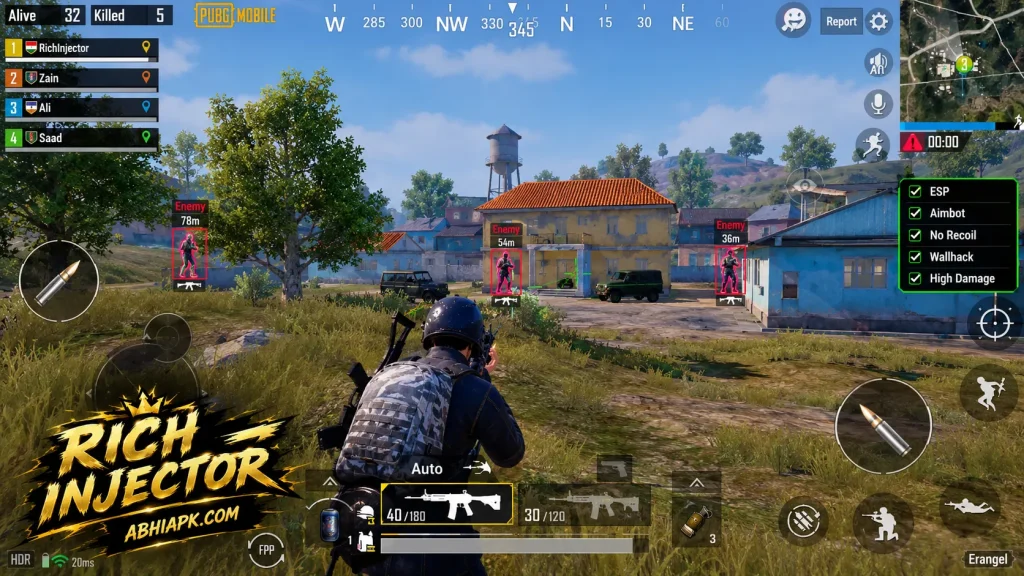
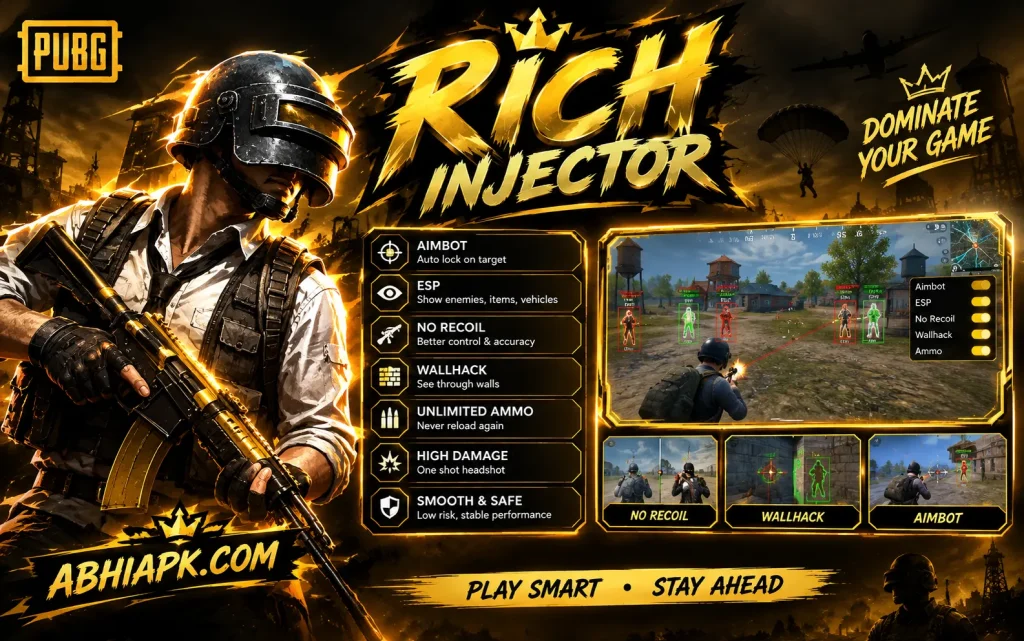
- Visual Markers: On-screen boxes or lines around players and objects
- Distance Display: Approximate range between you and nearby opponents
- Player Details: Names, health levels, and other match data
- Target Options: Selection for specific body parts
- Aim Controls: Crosshair adjustments and firing tweaks
- Field-of-View Settings: Changes how much of the map appears on screen
- Item Visibility: Reveals weapons, supplies, and equipment
- Vehicle Indicators: Extra markers for nearby vehicles
- Root and Non-Root Support: Claims to work on both device types
- Regional Compatibility: Advertised support for multiple game versions
Each feature carries risk. Aim-related tools often trigger security systems.
Latest Claims:
Some pages promote a newer build of the tool. However, no verified changelog exists. Details like version numbers or file sizes do not prove safety. Readers should treat such claims with caution. A fresh download button does not confirm a genuine release.
How to Inject Rich Injector PUBG APK?
Setting up the tool follows a common pattern. Here are the typical steps.
- Allow Unknown Sources: Go to Settings > Security > Enable installs from unknown sources
- Download the APK: Get the file from a listed source
- Install the App: Tap the file and follow the prompts
- Open the Panel: Launch the tool and grant requested permissions
- Select PUBG Mobile: Choose the game from the menu
- Toggle Features: Pick the visual or aim options you want
- Restart the Game: Close and reopen PUBG Mobile to apply changes
Note: The safest option is to avoid unofficial tools entirely.
Ways to Inject
Players use different methods to run such tools. Here are the common ones.
- Direct Install: The standard route. Install the APK and run it normally
- Virtual Space Apps: Run the tool inside a sandbox for separation
- Secondary Device: Use a spare phone to protect your main account
- Emulator Setup: Test through Android emulators on a PC
- Cloning Apps: Duplicate the game environment for testing
Direct install remains the most common choice.
Pros and Cons
Every tool has strengths and weaknesses. Here is a balanced view.
Pros
- Free to download according to most listings
- Simple installation process
- Claims support for non-rooted devices
- May appeal to players wanting extra visual tools
- Advertised for multiple regions
Cons
- Not an official PUBG Mobile application
- May violate the game’s security rules
- Claims are not independently verified
- Unofficial APKs can contain harmful files
- Account suspension or permanent bans are possible
- Features often break after game updates
Tips for Safer Use
If you still consider such tools, follow these precautions.
- Use Official Sources: Download PUBG Mobile only from official stores
- Avoid Login Sharing: Never enter game credentials into an injector
- Skip Security Bypasses: Do not disable Play Protect or device safeguards
- Scan Files: Check unfamiliar files with a trusted security tool
- Backup Your Account: Link your profile to social media for safety
These steps reduce risk but do not remove it.
Device Compatibility
Requirements vary by listing and build.
- Android Version: Most builds target Android 5.0 and above
- Storage: File sizes range from 10MB to 50MB
- RAM: At least 3GB for smoother operation
- Processor: Works with most mid-range chips
Older phones may face lag during use.
Safety and Responsibility:
No third-party tool is fully risk-free. Rich Injector lacks verified developer details and security reports. The game’s developers prohibit unauthorized software that modifies the client. Using such tools may lead to account penalties. For a safer experience, rely on the official app and improve skills through practice.
Common Issues and Fixes
Problems often appear with such tools. Here are quick notes.
- Features Not Working: Likely due to a game update
- App Crashes: Clear cache and restart your phone
- Permission Errors: Check that all requested permissions are granted
- Outdated Build: Newer files may not be genuine or safe
Most issues stem from incompatibility or unverified releases.
Frequently Asked Questions
Q1: Is Rich Injector an official PUBG Mobile app?
No, it is a third-party tool and not endorsed by the game’s developers.
Q2: Does it need root access?
Some listings claim it supports non-rooted devices, but this is unverified.
Q3: Can it cause a ban?
Using unauthorized software may increase the risk of account suspension.
Q4: Is the newer version verified?
No verified changelog or developer details are available.
Q5: Can it steal my account?
Unofficial APKs can pose security risks, especially if they request login details.
Q6: What if I already installed it?
Uninstall it, run a security scan, review permissions, and change your password.
Q7: What is a safer alternative?
Use the official app, adjust built-in settings, and practice in training modes.
Conclusion:
Rich Injector attracts attention with its long list of advertised features. However, the available information is outdated and unverified. The tool is not an official PUBG Mobile product. The main concerns include account penalties, harmful files, and privacy issues. For these reasons, installing it is not recommended. Players should download PUBG Mobile only through official channels and avoid tools that promise hidden advantages or guaranteed protection.